YouTube Data API Key
Last updated 7 June 2026
Optional. Add a free YouTube Data API key to keep likes and comments up to date on your downloaded YouTube videos over time: the official, rate-limit-safe way to refresh engagement stats.
What the Key Does
StreamStash records an engagement snapshot (views, likes, comments) for each YouTube video so the per-channel Analytics page can chart growth over time. Refreshing those numbers afterwards works in two ways:
| Views over time | Likes & comments over time | |
|---|---|---|
| Without a key (default) | ✓ Refreshes every scan | Frozen at download value |
| With a key | ✓ Refreshes every scan | ✓ Refreshes every scan |
View counts come from the channel listing for free, so they always update. Likes and comments aren't in that listing; fetching them efficiently is exactly what the Data API key unlocks.
Why the Official API?
Repeatedly scraping per-video stats at scale is the pattern that trips YouTube's bot-detection and gets the downloader blocked. The official YouTube Data API v3 is built for reading statistics: it fetches 50 videos per request, runs completely separately from the download path, and the free quota (10,000 units/day) covers refreshing hundreds of thousands of videos a day. So analytics can never put your downloads at risk, and it costs nothing.
Creating Your API Key
The whole thing takes about two minutes and needs a Google account. No card, no billing.
- Go to the Google Cloud Console and sign in with your Google account.
-
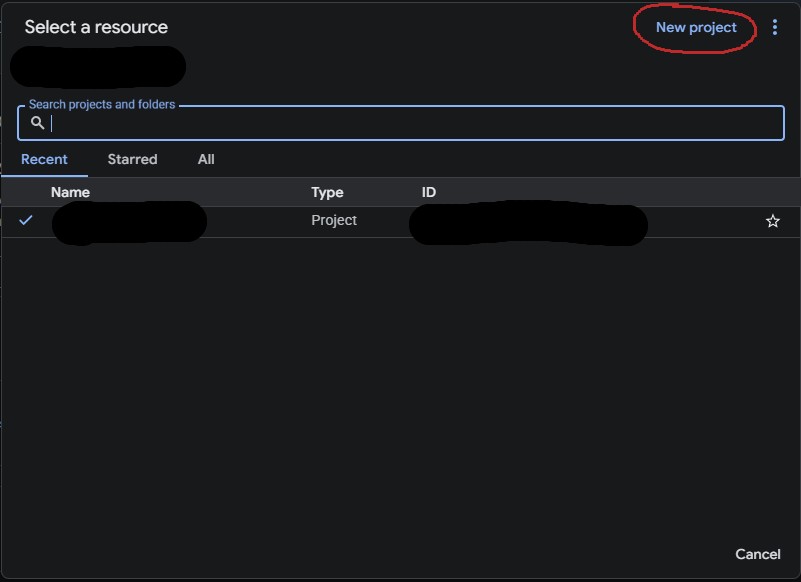
Create a new project (top bar → project dropdown → New Project). Name it anything, e.g. "StreamStash", and click Create.
-
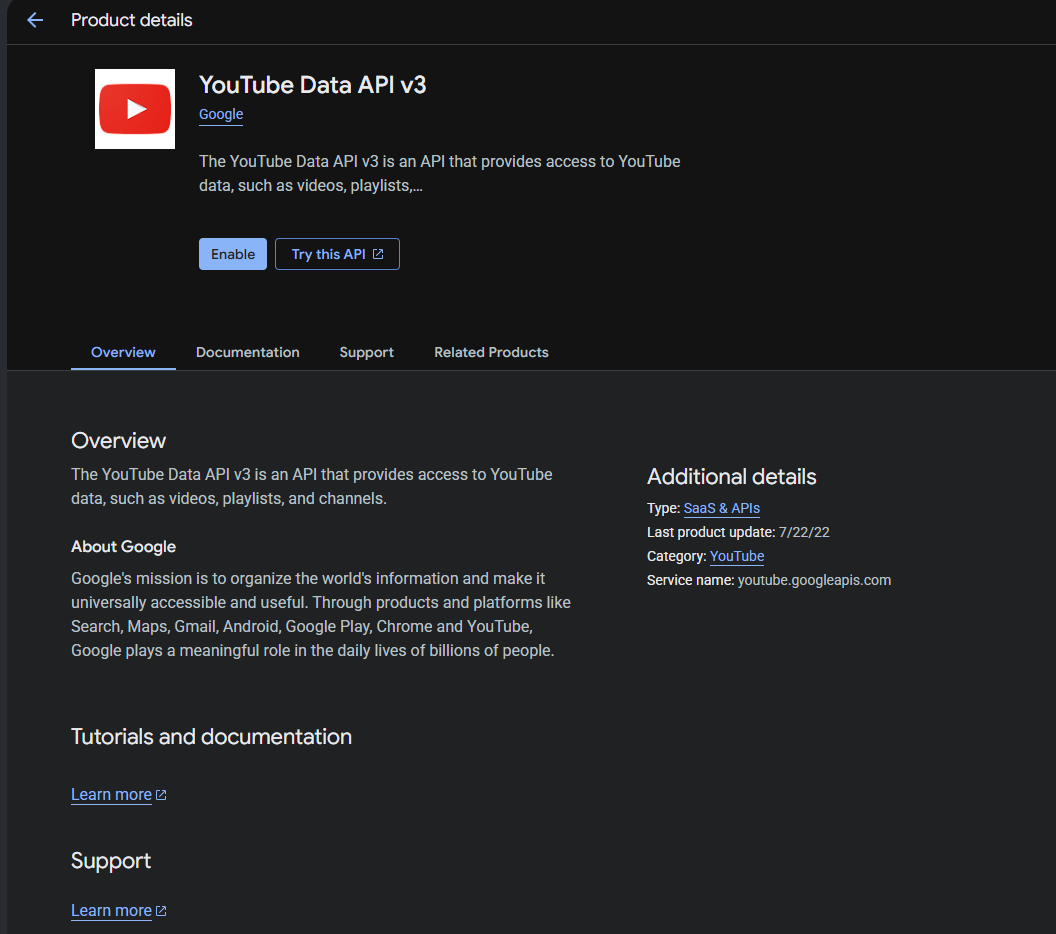
With the project selected, open APIs & Services → Library, search for YouTube Data API v3, open it, and click Enable.
-
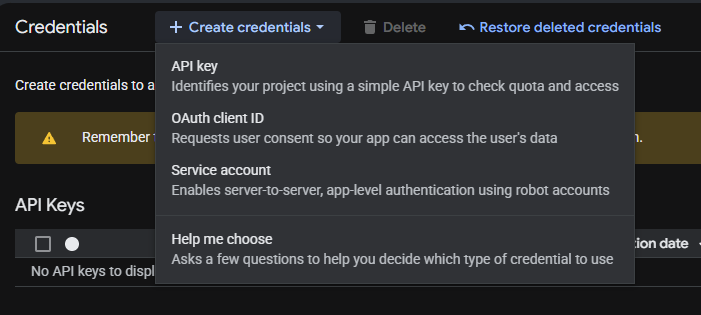
Go to APIs & Services → Credentials, click + Create Credentials, and choose API key. The Create API key dialog opens.
-
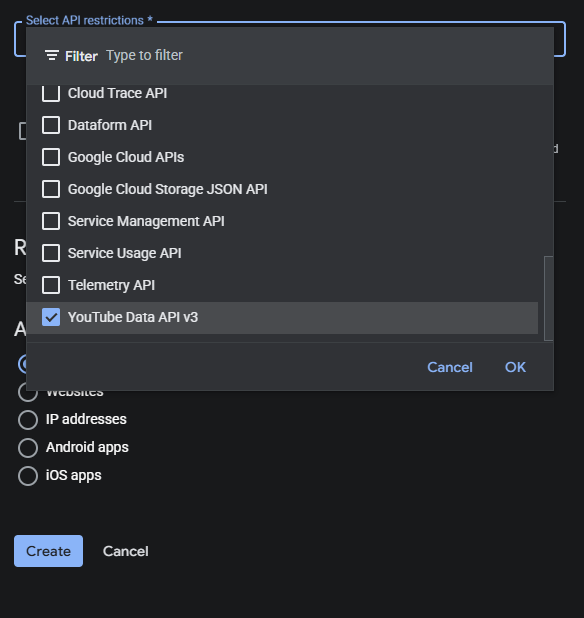
In that dialog, set Select API restrictions to YouTube Data API v3 (the console requires this), and leave Application restrictions on None. Then click Create.
-
Copy the key it generates, a string starting with
AIza…. That's everything you need.
Adding the Key to StreamStash
- Open StreamStash and go to Settings in the sidebar.
- Select YouTube under "Platforms".
-
Paste your key into the YouTube Data API Key field and click Save.
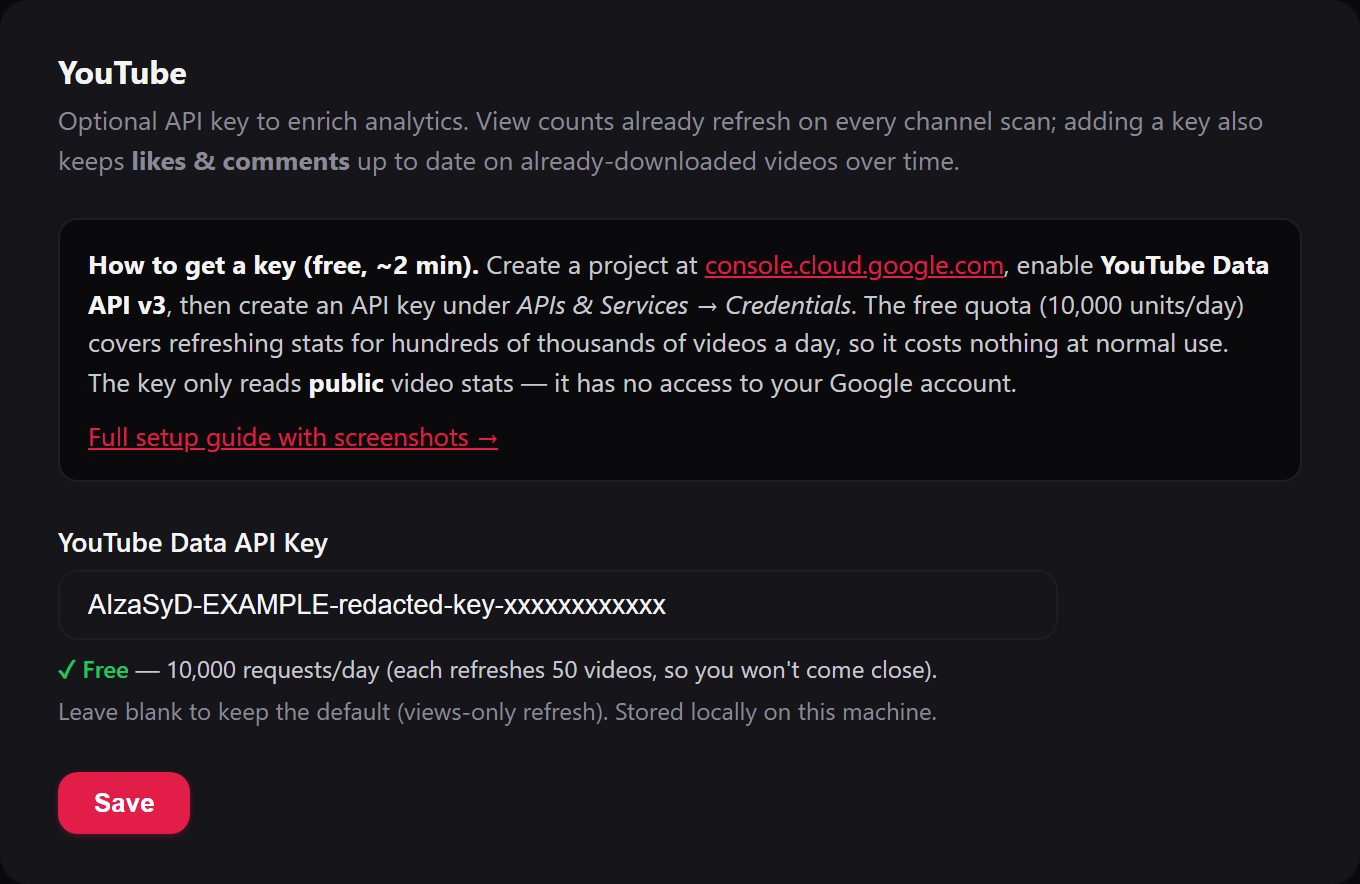
That's it. On the next channel scan, StreamStash will start refreshing likes and comments alongside views for your downloaded videos, and the per-channel Analytics charts will fill in over time.
Cost & Quota
The default free quota is 10,000 units per day. StreamStash uses the videos.list endpoint, which returns up to 50 videos per request for 1 unit. In practice that means you can refresh stats for roughly 500,000 videos a day for free, so unless you're tracking an enormous number of channels, you'll never come close to the limit.
Troubleshooting
Likes and comments still aren't updating
- Confirm the key is saved in Settings → YouTube (the field should show your key after saving).
- Refreshes happen on the channel's normal scan cycle: give it until the next scheduled check, or trigger one manually from the feed's Manage → Download Now.
- Some creators hide their like counts; those will stay blank because the API returns no value for them.
- Check the StreamStash Logs page for any "YouTube Data API" messages.
"API key not valid" or HTTP 400 in the logs
The key was mistyped or the wrong string was pasted. Re-copy it from Credentials in the Google Cloud Console and paste it again.
"Quota exceeded" or HTTP 403 in the logs
Either the YouTube Data API v3 isn't enabled on the project (enable it under APIs & Services → Library), or you've genuinely hit the daily quota, which resets every 24 hours. Views continue refreshing from the listing regardless, so analytics keep working in the meantime.